Turn flat exports into layered CAD & PDF
Revit splits CAD exports by category only — and prints PDFs with no layers at all. CAD & PDF Layer Exporters build custom parameter-filtered layers, so every flat drawing lands clear, readable, and manageable for the team that needs 2D.
One PDF. Every trade
peels it apart.
This is what lands on the other side: a standard PDF with true OCG layers. The site team opens it in any viewer, switches off what they don't need, and reads a clean drawing — no Revit, no requests, no re-issues.


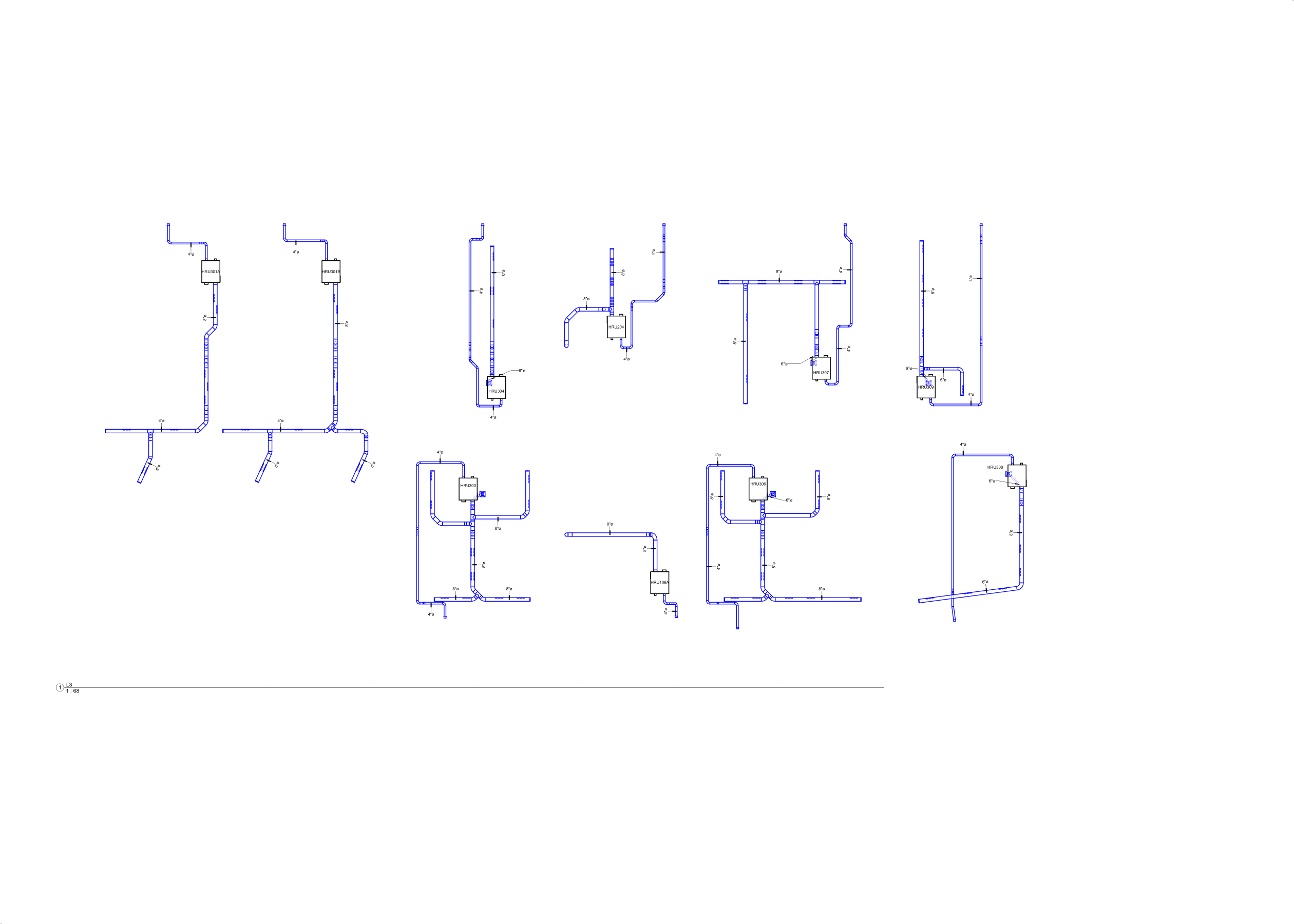
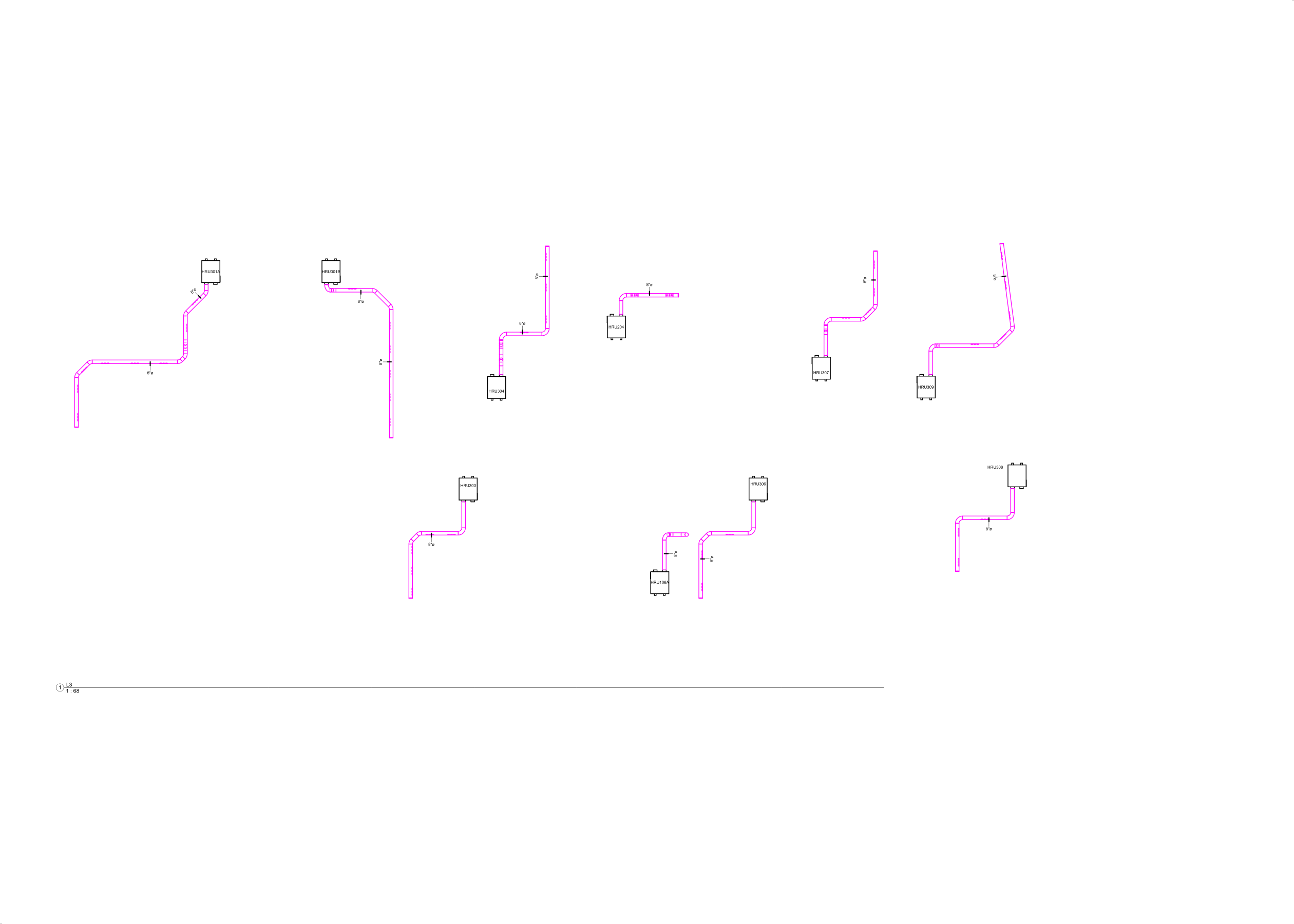
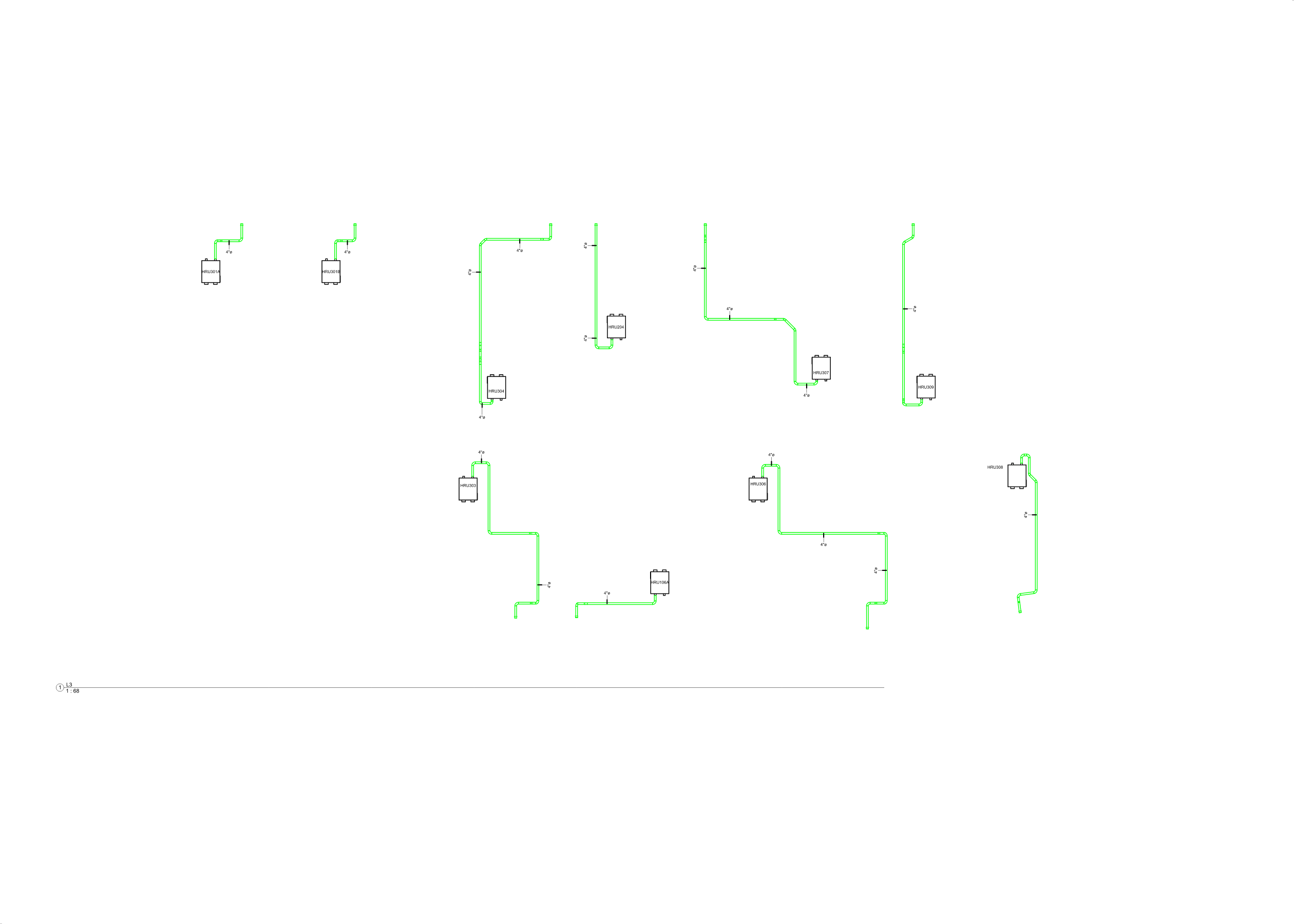
Revit stops at categories. PDF gets nothing.
Keeping a stacked, complex layout readable in flat 2D output is critical — and hard. The proven fix is splitting the layout into manageable layers. Revit doesn't give you the tools to do it.
Native CAD export splits by element category only — rarely enough, and never for MEPF systems. Native PDF print can't export layers at all. Every sheet arrives flattened.
CAD & PDF Layer Exporters close the gap — the first third-party solution for Revit that exports true, custom-filtered layers.
One preset library.
Two exporters.
Build filter layers once. The same saved presets drive both the CAD and the PDF exporter — create, share, and import them across your whole team.
Pick your output.
Keep your layers.

Capture prepared Architectural, Structural and MEPF background views and merge them into a single DWG — one layer per background, in seconds.
Every layer's elements arrive bundled in a single block. No more thousands of broken single lines.
The layout keeps its original 1:1 scale. Annotations stay the size they are in the Revit view, placed on the right layer inside its block.

Turn the HWS piping layer off — it disappears from plans, RCPs, sections and 3D ISOs at once. One toggle, the whole sheet.
The tool identifies every sheet in the model and notifies you about changes, so the sheet list is never stale.
Sheet size is read straight from the model — every PDF prints at the right page size, no manual setup.
From ribbon to layered,
click by click
{{ step.body }}
{{ cardBody }}
LAYER COLOUR
AND System Abbreviation does not contain "SAN"
M-CHWR · System Type contains "CHWR"